Symptoms and Treatments for Computer Vision Syndrome
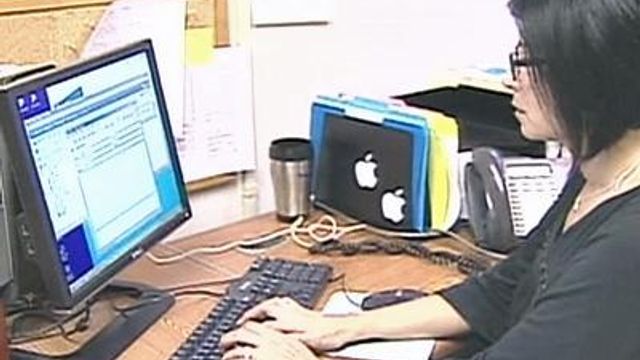
If you work in an office, chances are you spend a lot of time looking at a computer screen; it can put a strain on your eyes. Dr. Allen Mask has ways to help save your sight from Computer Vision Syndrome.
Posted — Updated“They feel burning, itchy and I also find that I get a lot of headaches that I think might be related to the fact that my eyes feel strained,” Doris Palazzo said.
These symptoms are often an indication of computer vision syndrome.
“Some patients have computer vision syndrome because [their eyes are] dry, so they need to be checked by an ophthalmologist. They can have their eyes lubricated, whether it's artificial tears or medications, like Restasis, which will help the body improve their tears,” Dr. Michael Ehrenhaus said.
Staring at a computer screen for a long time can cause people to blink less, and natural tears evaporate when that happens. Some people also experience problems with posture.
“If you're not sitting comfortably and you start having issues with stress, you start having neck-related issues. Taking breaks helps stretch the body,” Ehrenhaus said.
There are things you can do to your computer screen to help.
“The better the resolution, the less you're going to squint. It's easier on your eyes when you're looking at something that has a clearer picture,” Ehrenhaus said.
You might also try a glare guard to reduce the effect of overhead lighting, or change the lighting in your office, if possible. You should also monitor the time you spend in front of the computer.
”Any given day, you can spend half your time, 12 hours maybe, doing computer work,” Palazzo said.
“Take a break. Rest your eyes for a minute, every 15 to 20 minutes,” Ehrenhaus said.
If you wear glasses, you should get them checked. Your reading glasses might not be the prescription needed for working at a computer.
• Credits
Copyright 2024 by Capitol Broadcasting Company. All rights reserved. This material may not be published, broadcast, rewritten or redistributed.